Screen pop in the Genesys Cloud browser extensions
Screen pop functionality allows agents to see webpages based on pre-configured behavior. When an interaction alerts, the extensions can screen pop a webpage in a new browser tab.
Administrators can configure the extensions to screen pop for inbound call, email, message (including Genesys Cloud web messaging), and ACD voicemail interactions. The process for configuring screen pops differs depending on the interaction type.
Inbound call, callback, email, message (including Genesys Cloud web messaging), and ACD voicemail interactions
The extensions use the BR_URLPop custom attribute to screen pop a specific webpage for inbound call, callback, email, message, and ACD voicemail interactions.
This procedure relies heavily on Architect configuration and only describes high-level steps. For more information, see Architect overview, Create a new flow, Set Participant Data action, and Add a Set Participant Data action to a task.
The example screen pops a specific webpage for inbound call interactions.
- In Architect, create an inbound call flow.
- Add a task with Set Participant Data as the action.
Note: This example uses the Set Participant Data action to set a call attribute. The information used to set the attribute on the call could come from multiple different places: data dip, caller data entry, workgroup information, a static URL, or a combination of other attributes.
- In the Attribute Name box, type BR_URLPop.
- In the Value to Assign box, add a full link for the page that appears when an incoming interaction contains this custom attribute. In this example, the value is a static URL.

- Add a Transfer to ACD action to the flow.
- Select the Queue that receives this call.
- Click Publish .
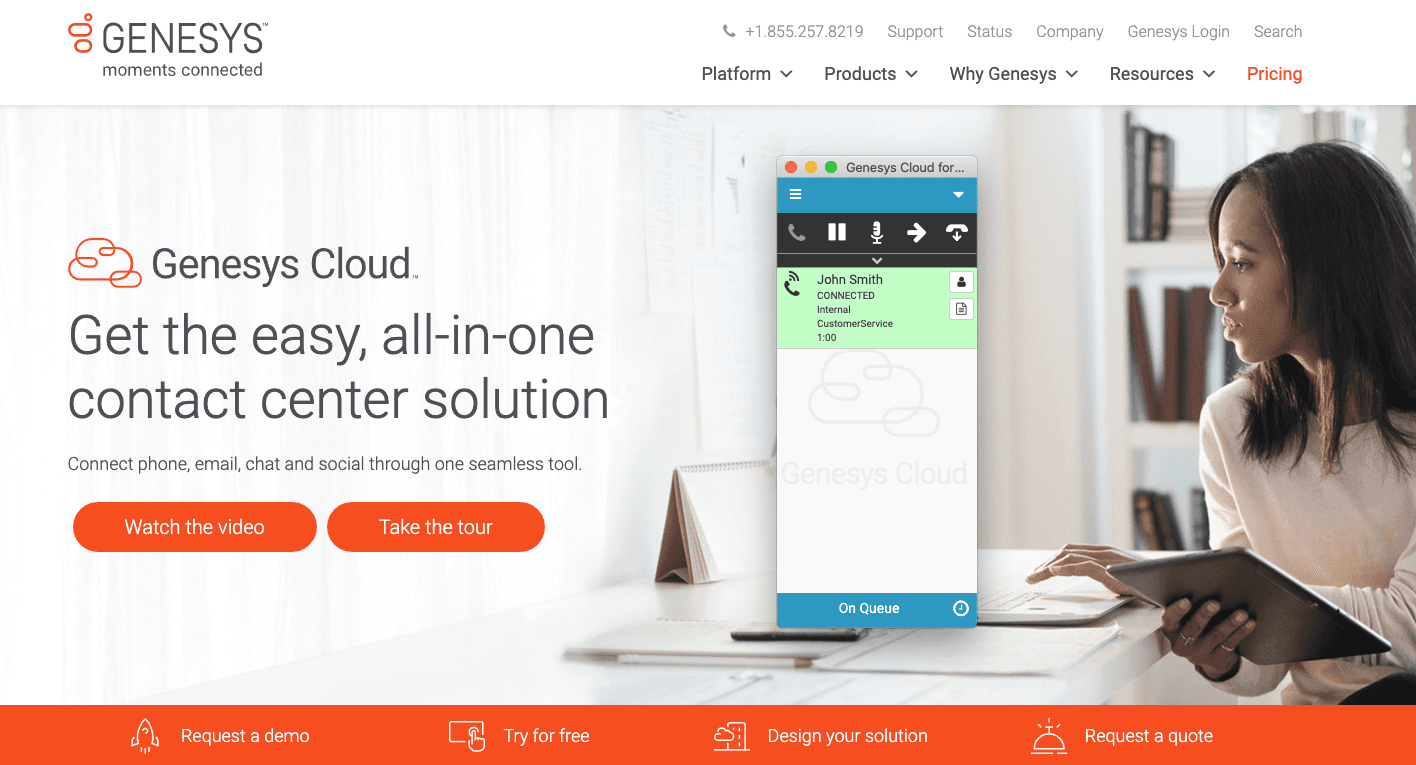
When a call comes in through this call flow, the call is assigned the custom attribute of BR_URLPop with a value of https://www.genesys.com/genesys-cloud. The extension then screen pops the Genesys webpage.
For more information about the extensions, see About the Genesys Cloud browser extensions.
[NEXT] Was this article helpful?
Get user feedback about articles.