View and edit interaction logs
Note: This article applies to Genesys Cloud Embeddable Framework, Genesys Cloud for Salesforce, and Genesys Cloud for Zendesk.
You can view and edit interaction logs for interactions that are currently active or recently disconnected from two places in the client.
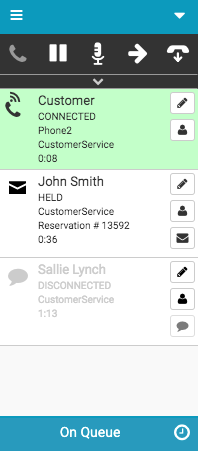
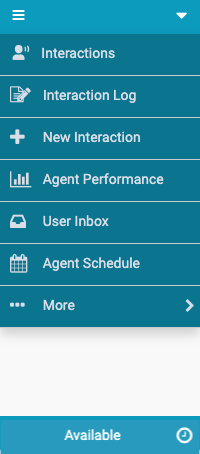
- Click Menu> Interactions.
- To view the interaction log, click Interaction Log on an interaction.
- Click Menu> Interaction Log.
For more information, see Client interface and Interaction logs.
For more information about the integrations, see About Genesys Cloud Embeddable Framework, About Genesys Cloud for Salesforce, and About Genesys Cloud for Zendesk.
[NEXT] Was this article helpful?
Get user feedback about articles.